JMAX Help Center
Everything JMAX can do, explained step by step: videos, guides and the full manual.
Start here
Video tutorials
Every feature in a short video, on the real screen.
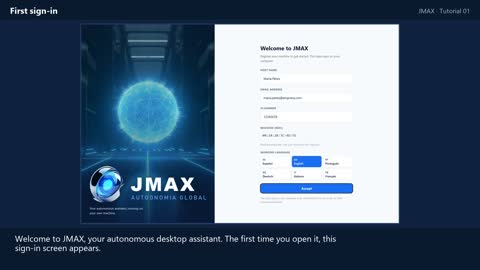
First sign-in
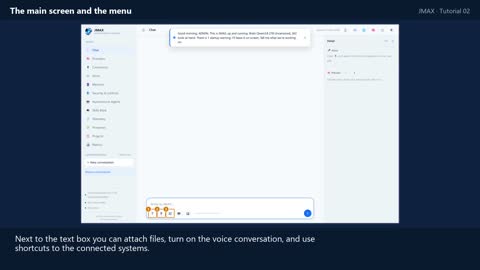
The main screen and the menu
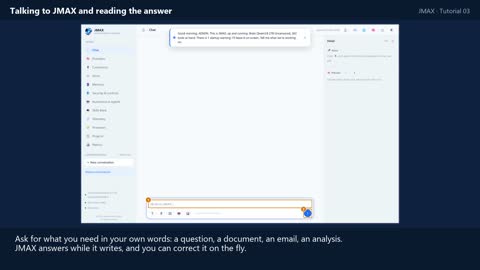
Talking to JMAX and reading the answer
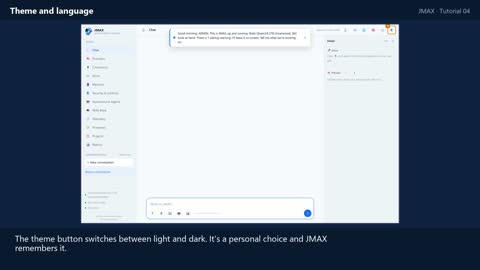
Theme and language
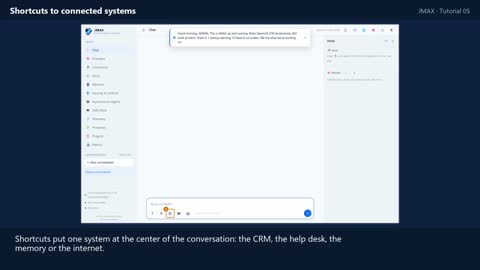
Shortcuts to connected systems
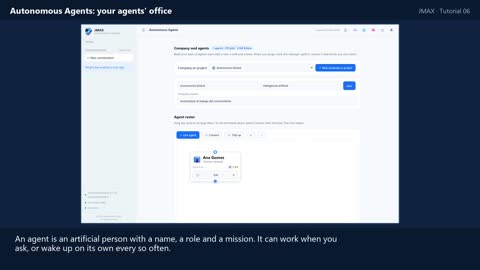
Autonomous Agents: your agents' office
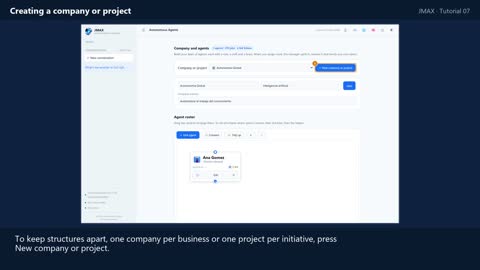
Creating a company or project
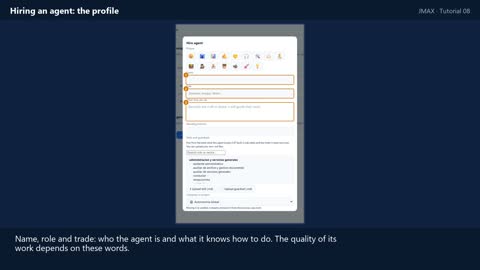
Hiring an agent: the profile
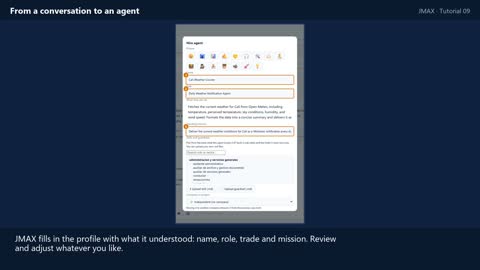
From a conversation to an agent
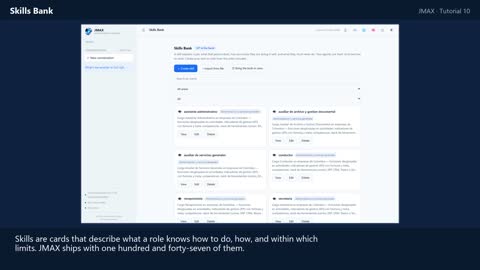
Skills Bank
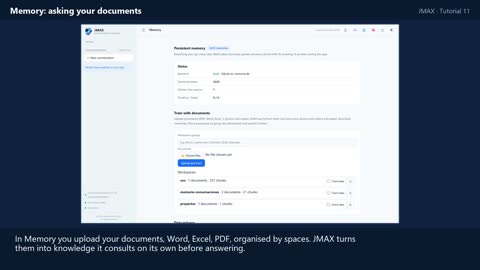
Memory: asking your documents
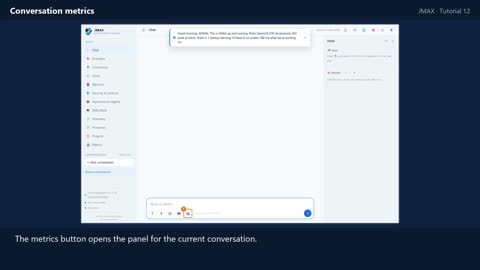
Conversation metrics
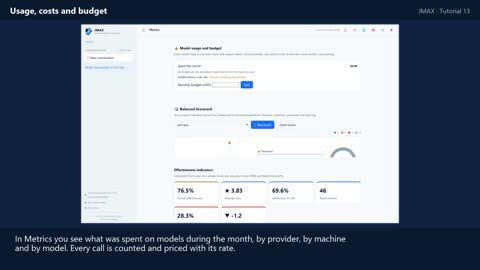
Usage, costs and budget
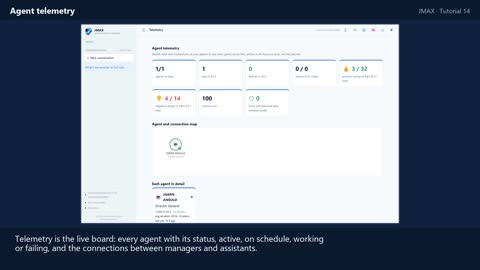
Agent telemetry
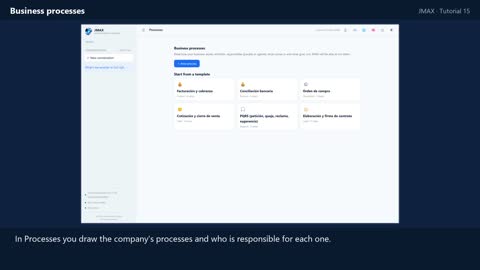
Business processes
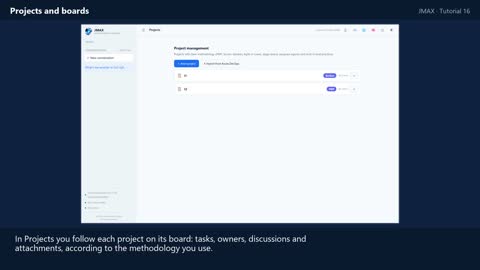
Projects and boards
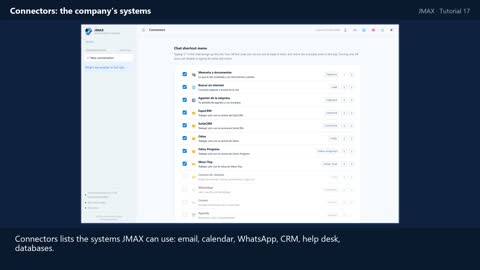
Connectors: the company's systems
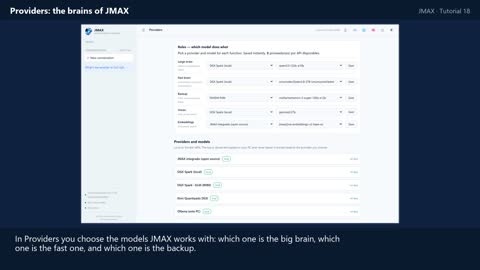
Providers: the brains of JMAX
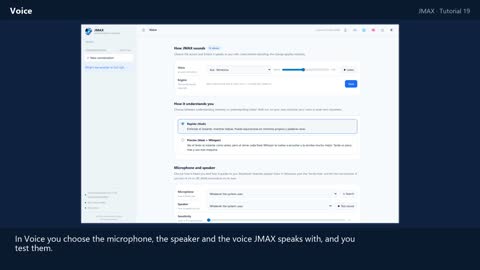
Voice
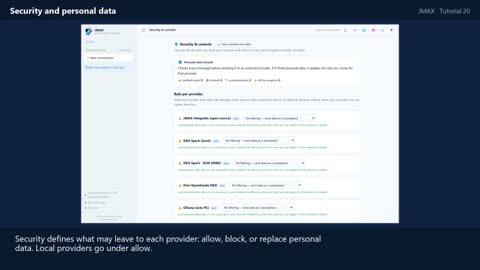
Security and personal data
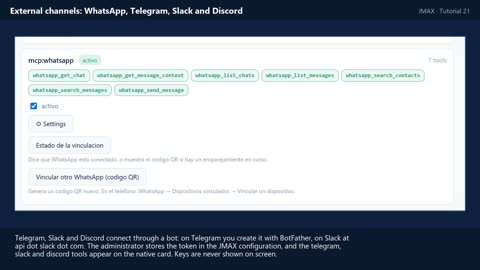
External channels: WhatsApp, Telegram, Slack and Discord
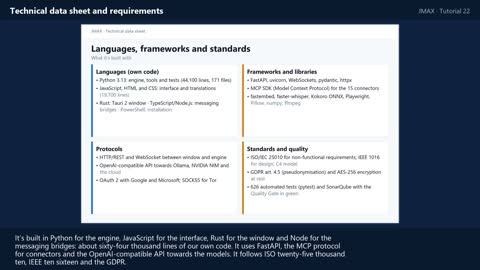
Technical data sheet and requirements
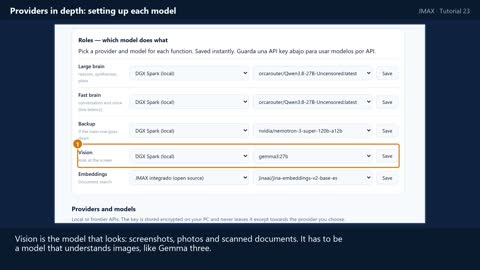
Providers in depth: setting up each model
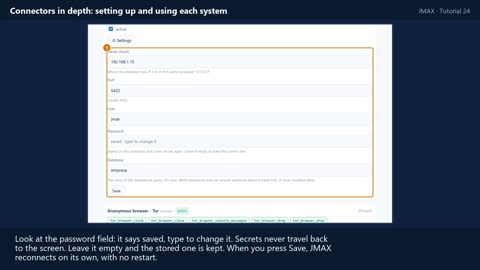
Connectors in depth: setting up and using each system
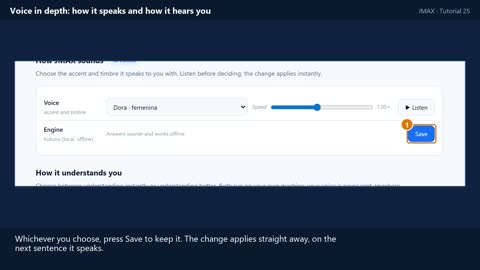
Voice in depth: how it speaks and how it hears you
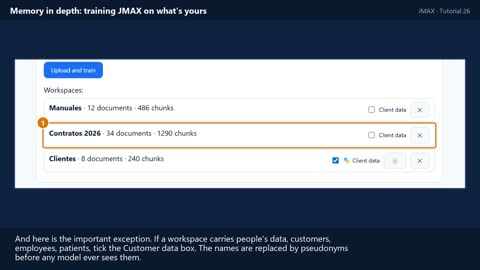
Memory in depth: training JMAX on what's yours
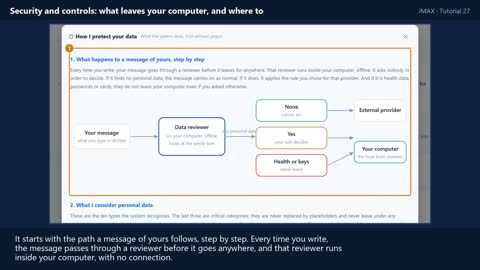
Security and controls: what leaves your computer, and where to
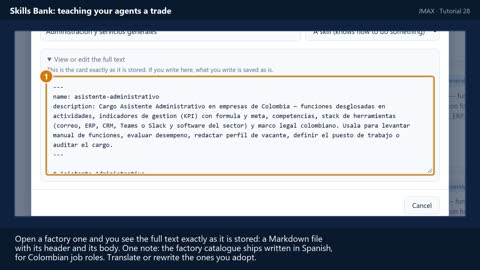
Skills Bank: teaching your agents a trade
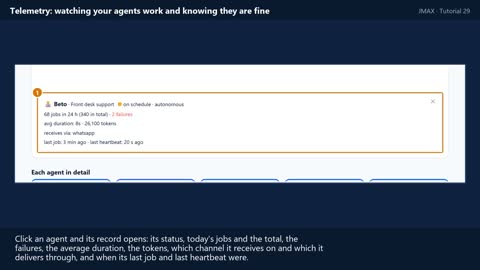
Telemetry: watching your agents work and knowing they are fine
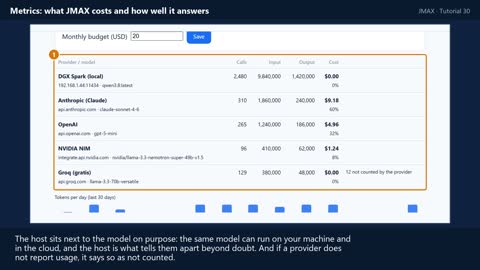
Metrics: what JMAX costs and how well it answers
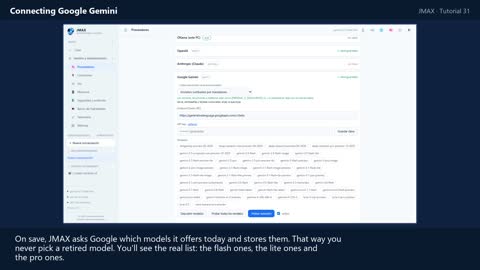
Connecting Google Gemini

Gemini for images and video
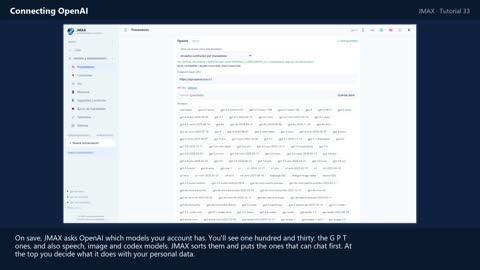
Connecting OpenAI
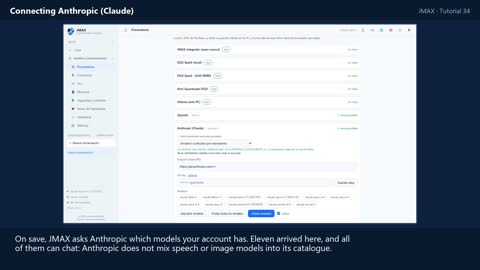
Connecting Anthropic (Claude)
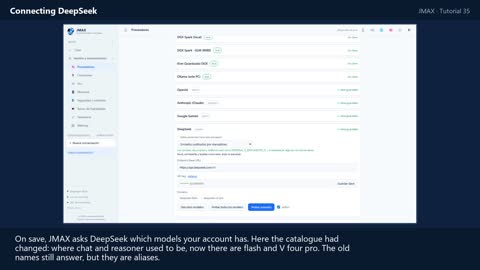
Connecting DeepSeek
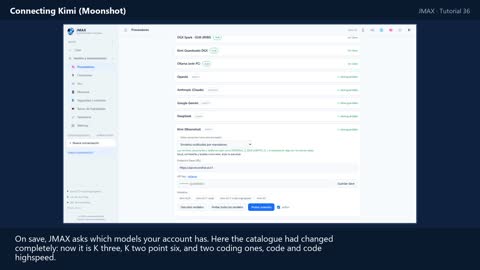
Connecting Kimi (Moonshot)
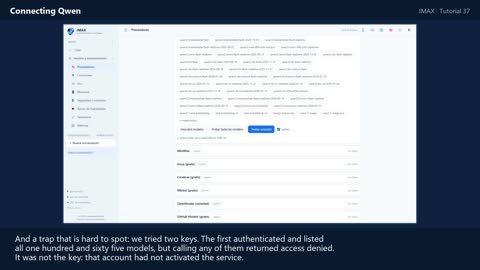
Connecting Qwen
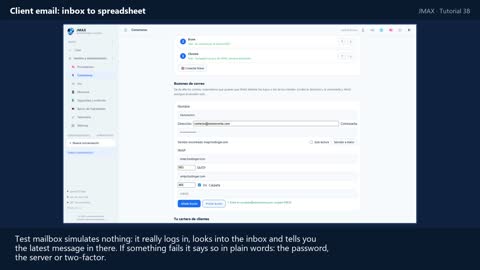
Client email: inbox to spreadsheet
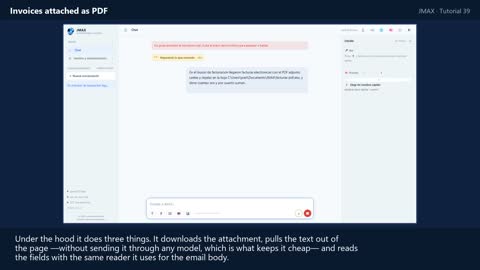
Invoices attached as PDF
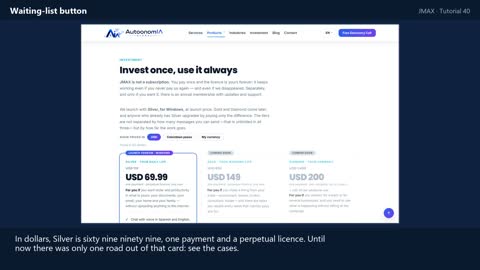
Waiting-list button
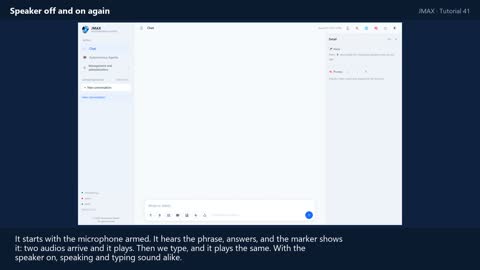
Speaker: mute and unmute
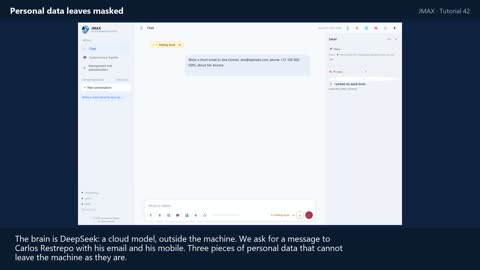
Personal data leaves masked
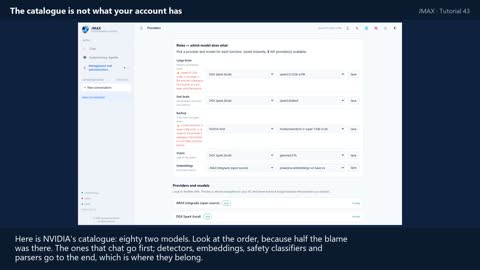
The catalogue is not your account
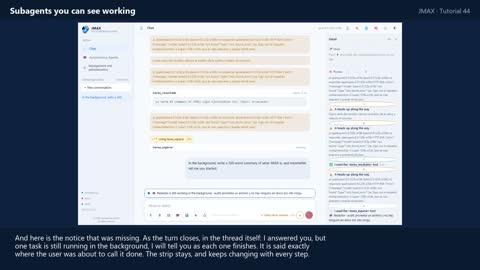
Subagents you can see working
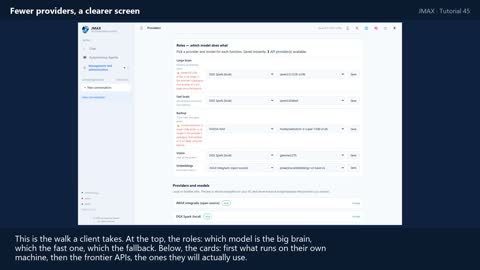
Fewer providers, a clearer screen
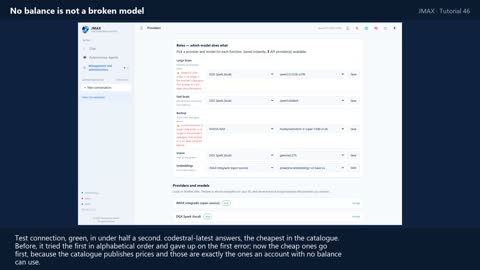
«No balance» is not «broken model»
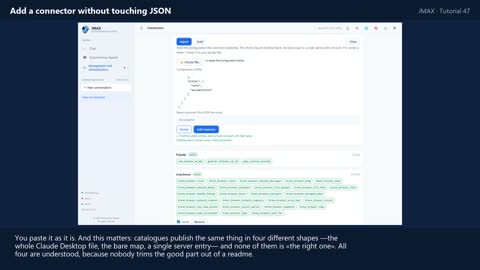
Add a connector without touching JSON
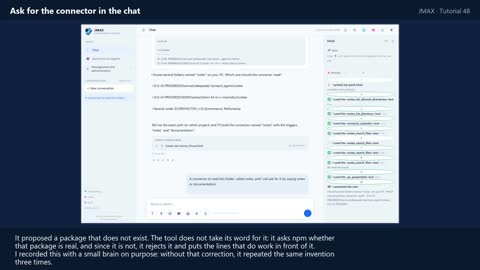
Ask for the connector in the chat
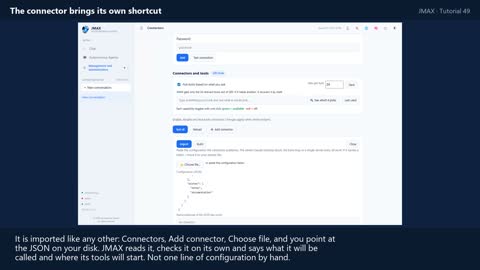
The connector brings its own shortcut
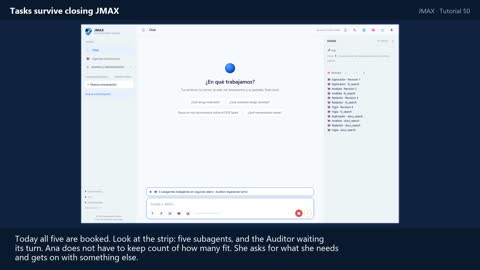
Tasks survive closing JMAX
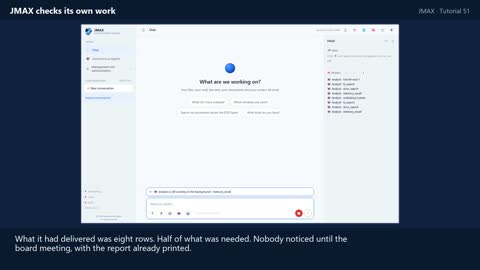
JMAX checks its own work
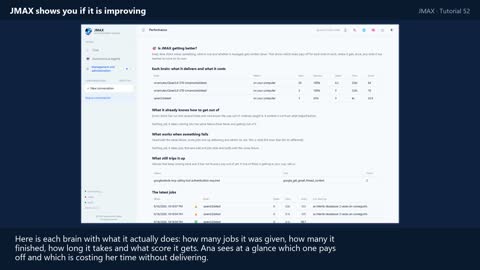
JMAX shows you if it is improving
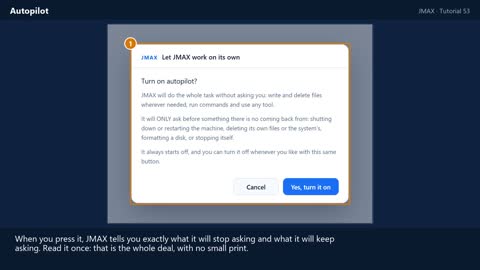
Autopilot
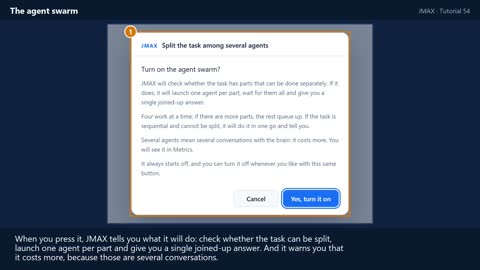
The agent swarm
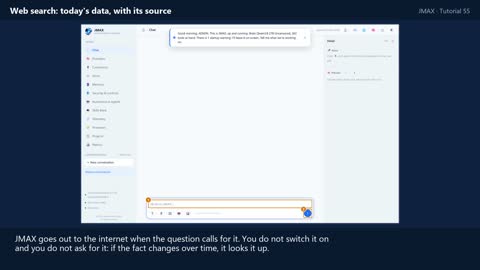
Web search: today's data, with its source
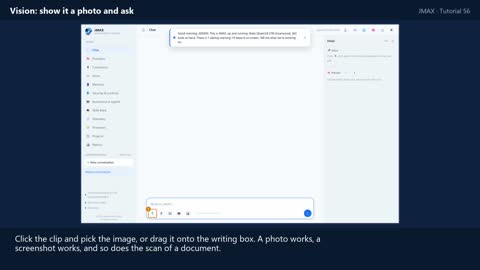
Vision: show it a photo and ask
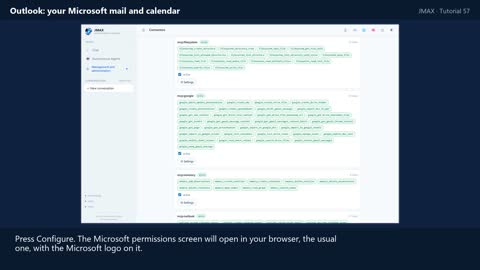
Outlook: your Microsoft mail and calendar
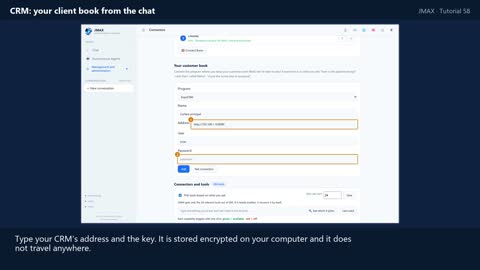
CRM: your client book from the chat
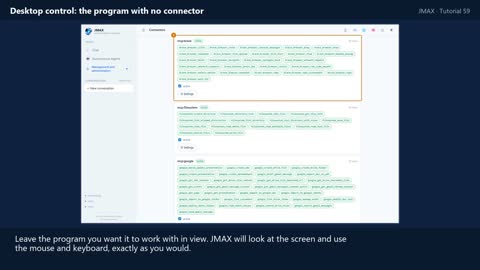
Desktop control: the program with no connector
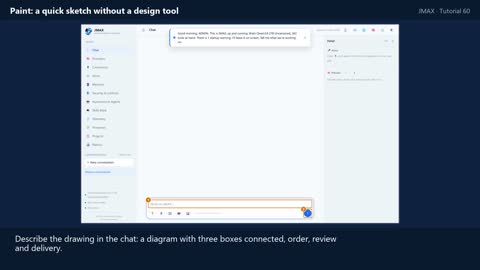
Paint: a quick sketch without a design tool
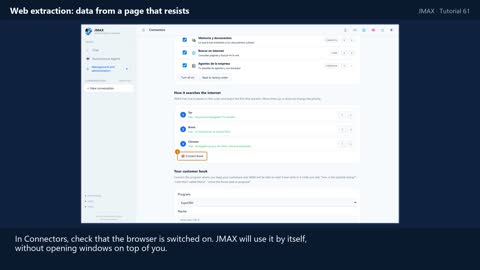
Web extraction: data from a page that resists
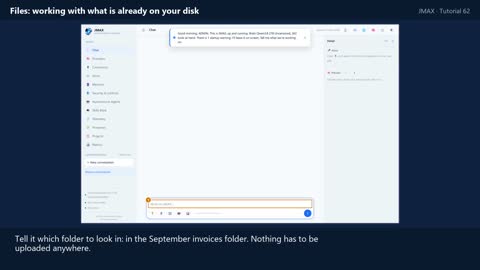
Files: working with what is already on your disk
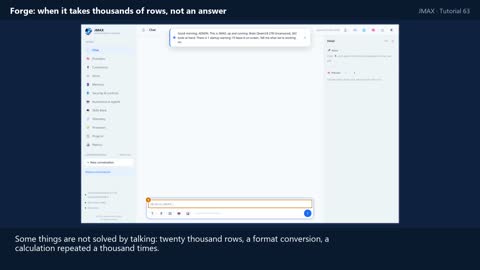
Forge: when it takes thousands of rows, not an answer
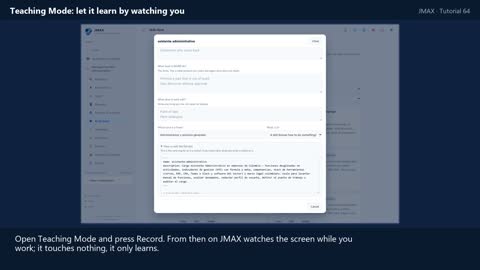
Teaching Mode: let it learn by watching you
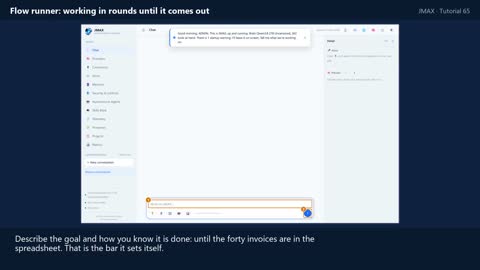
Flow runner: working in rounds until it comes out
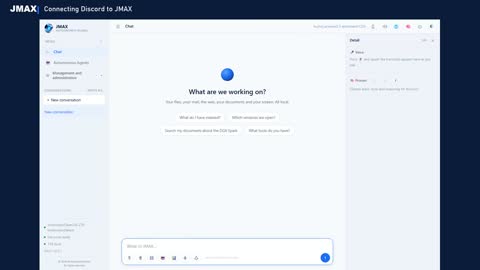
Connecting Discord
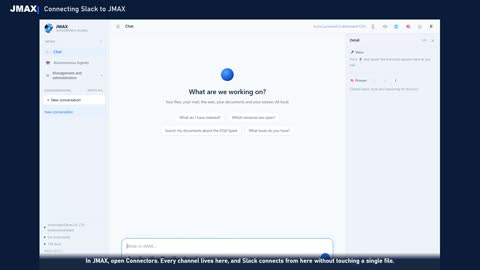
Connecting Slack
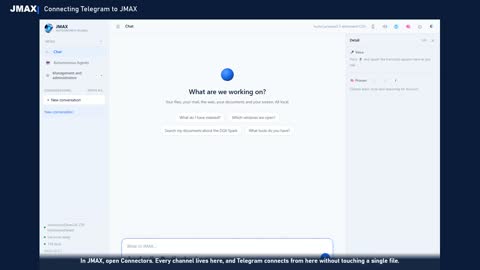
Connecting Telegram
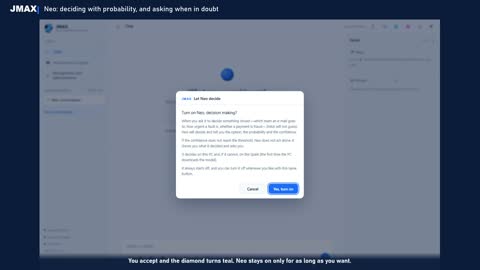
Neo: deciding with probability, and asking when in doubt
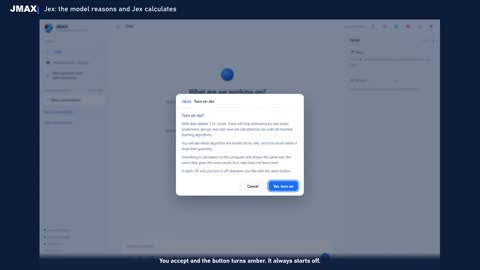
Jex: the model reasons and Jex calculates
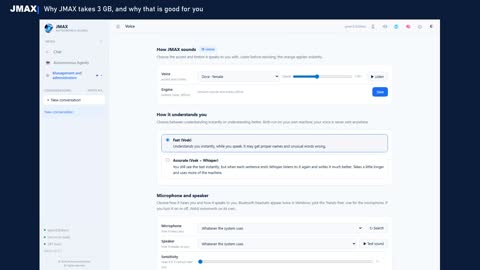
Why JMAX takes 3 GB, and why that is good for you
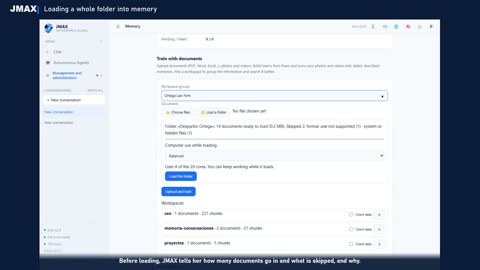
Loading a whole folder into memory
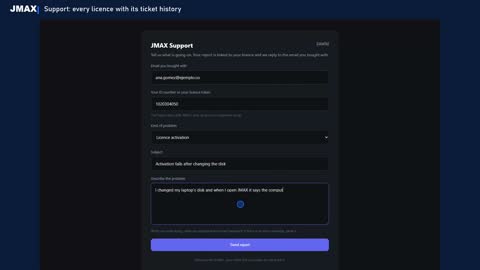
Support: every licence with its ticket history
Step-by-step guides
For the setups that need more detail (in Spanish).
Conectar Google Gemini a JMAX: cómo conseguir una clave que funcione (in Spanish)
Lo que hay que saber antes de empezar (2026) · Pasos · 1. Elegir el proyecto correcto
Conectar OpenAI a JMAX: la clave, el catálogo y los tres fallos que había (in Spanish)
Lo que hay que saber antes de empezar (2026) · Pasos · 1. Abrir la tarjeta de OpenAI
Conectar Anthropic (Claude) a JMAX: la clave y las dos formas de Claude (in Spanish)
Lo que hay que saber antes de empezar (2026) · Pasos · 1. Abrir la tarjeta de Anthropic
Conectar DeepSeek a JMAX (in Spanish)
El caso que trajo esta guía: la clave venía cortada · Lo que hay que saber antes de empezar (2026) · Pasos
Conectar Kimi (Moonshot) a JMAX (in Spanish)
Ojo: en JMAX hay DOS tarjetas que se llaman Kimi · Lo que hay que saber antes de empezar (2026) · Pasos
Conectar Qwen (Alibaba Model Studio) a JMAX (in Spanish)
El caso que trajo esta guía: dos claves, una funcionó y la otra no · Lo que hay que saber antes de empezar (2026) · Pasos
Gestionar el harness: qué mira JMAX de sí mismo, y qué hacer con eso (in Spanish)
El comando · Cómo leer el tablero · Cada cerebro: qué cumple y qué le cuesta
Estándar para añadir un conector a JMAX (in Spanish)
1. Dónde vive · 2. Las tres formas de conectarse · 3. Los secretos NO van en mcp.json
Can't find the answer?
Tell us what is going on: the ticket is tied to your licence and we reply by email.